

osu!tag
Convert your osu! beatmaps into properly tagged MP3 files
Features • Installation • Usage • Screenshots • License
osu!tag is a modern tool for Windows, macOS, and Linux that converts your osu! beatmaps into clean, properly tagged MP3 files.
Artist, title, album art, and metadata are extracted directly from the beatmap and embedded automatically — no manual tagging required.
Useful for listening to maps that are not on streaming platforms.
F E A T U R E S
 Batch Convert – Convert multiple beatmaps to tagged MP3s at once
 Auto-Tagging – Automatically applies ID3 tags (Artist, Title, Album Art)
 Cover Art – Extracts and embeds beatmap backgrounds as album covers
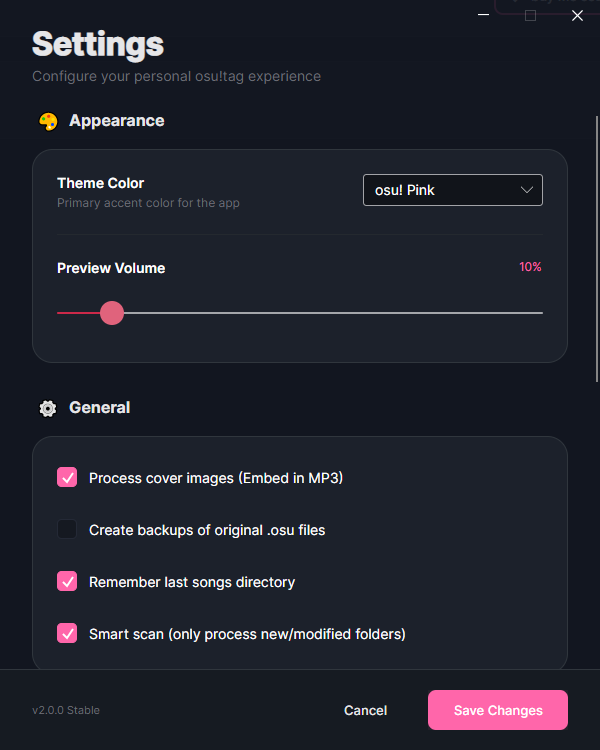
 Smart Scan – Only scans new beatmap folders on subsequent launches
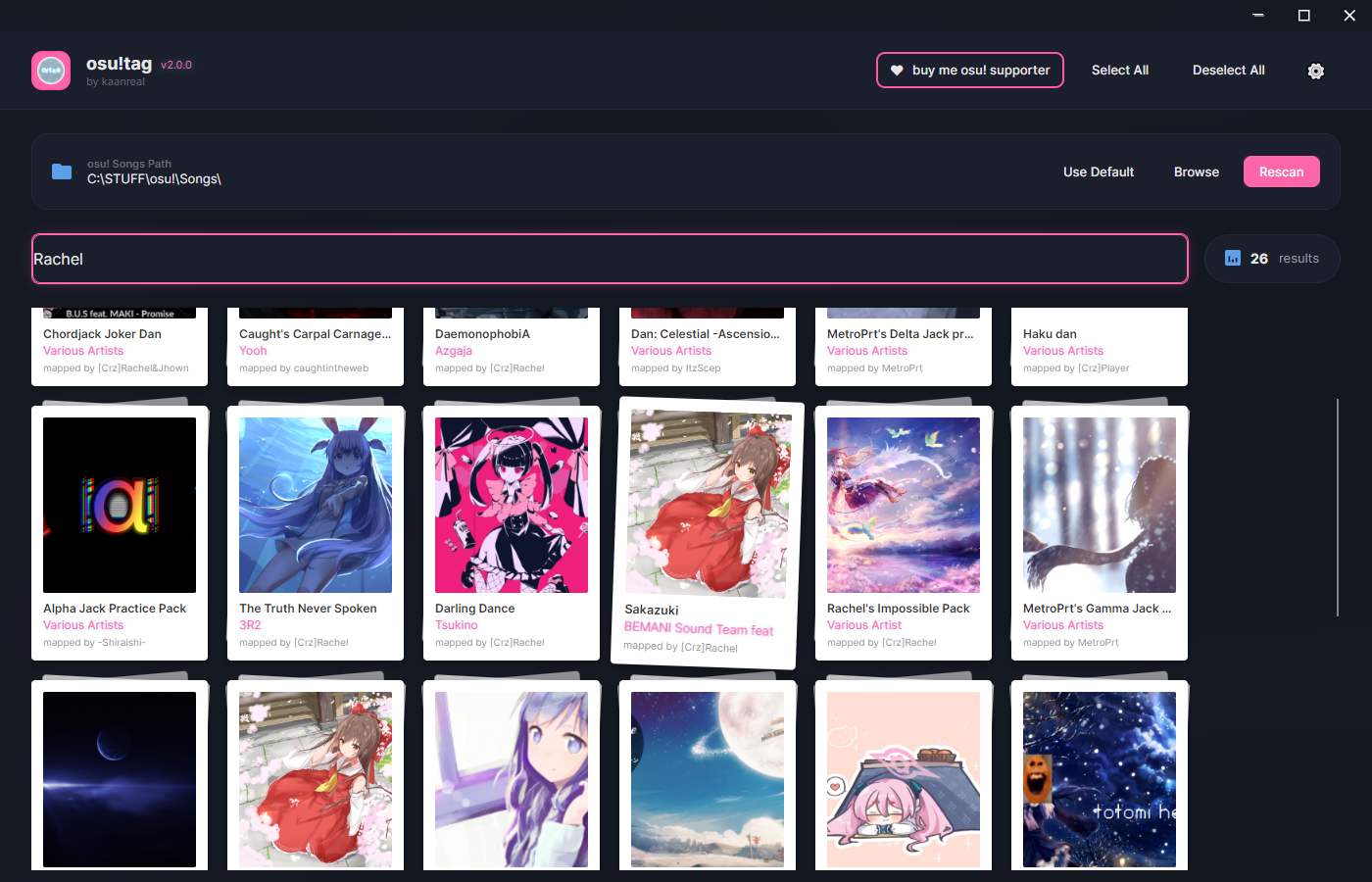
 Audio Preview – Hover over maps to preview the audio
 Fast Loading – Virtual scrolling handles thousands of beatmaps smoothly
 Remember Path – Automatically loads your Songs folder on startup
 Discord Rich Presence – Shows conversion status and app activity
 Discord RPC Toggle – Enable or disable Discord integration instantly
 Anonymous Telemetry – Optional, disabled by default
 Companella! Integration – Displays play count and stats automatically
  Update Checker – Checks for new releases on startup or manually
 Context Actions – Right-click to view maps online or open local folders
U S A G E
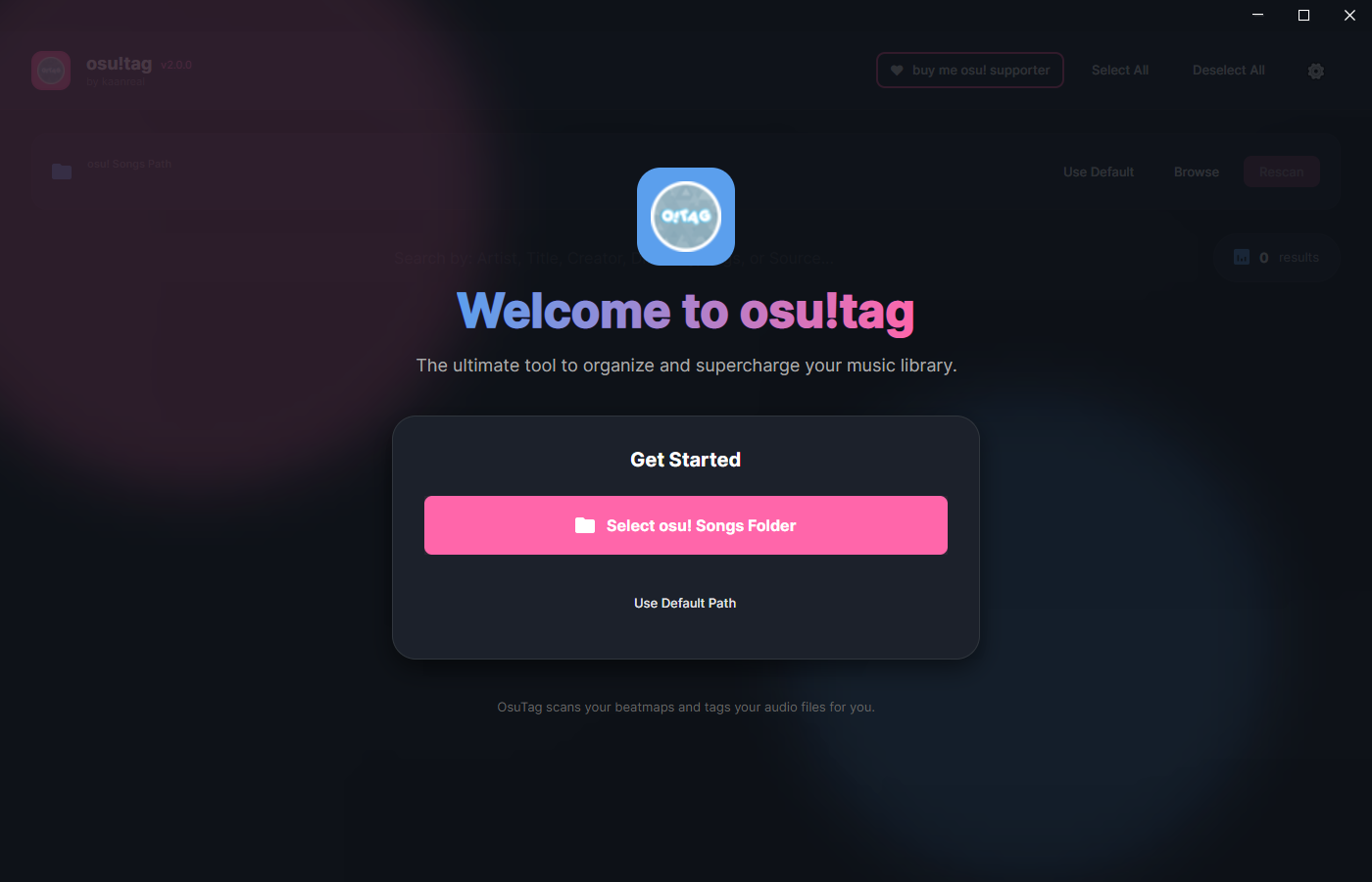
- Select your osu! Songs folder
- Wait for the initial scan (cached for faster future launches)
- Select beatmaps or use Select All
- Choose an output folder
- Click Start Conversion to generate tagged MP3 files
Some beatmaps contain multiple audio files. Expand the map entry to select specific ones.
S C R E E N S H O T S
D O W N L O A D
- Windows 10 / 11, macOS 10.15+, or Linux
- .NET 8.0 Runtime required
- Download from the GitHub Releases page
GitHub: https://github.com/kaanreal/osu-tag
Also check out Companella! by Leyna for various integrations.
Made for the osu! community by Me and AI
Made for the osu! community by Me and AI
